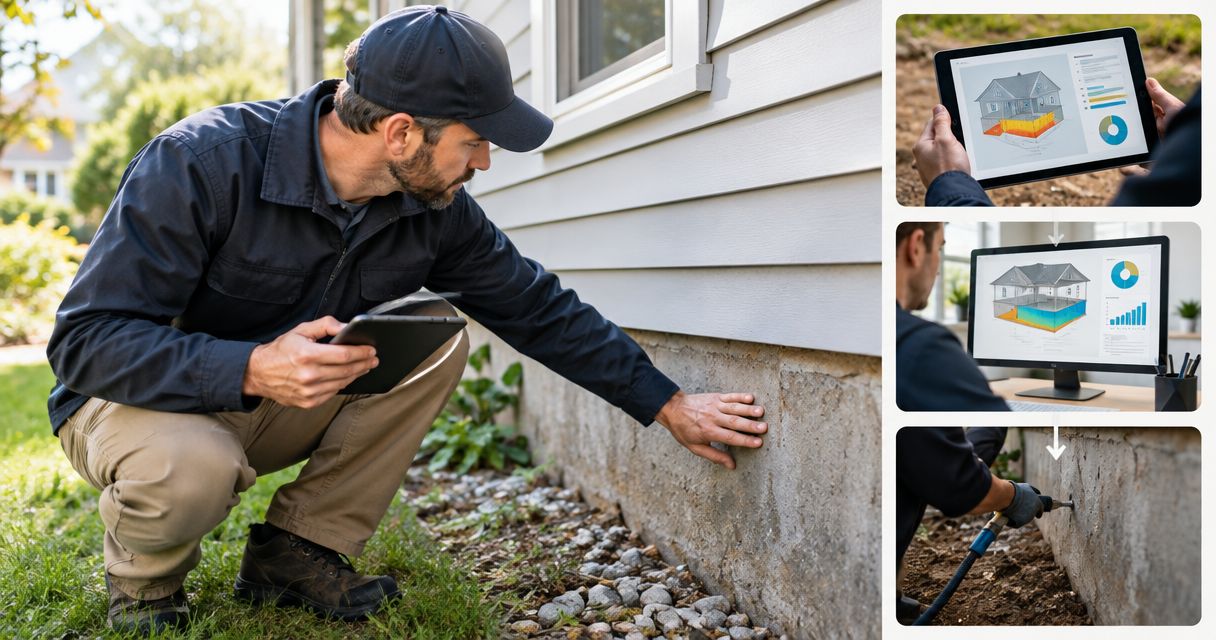
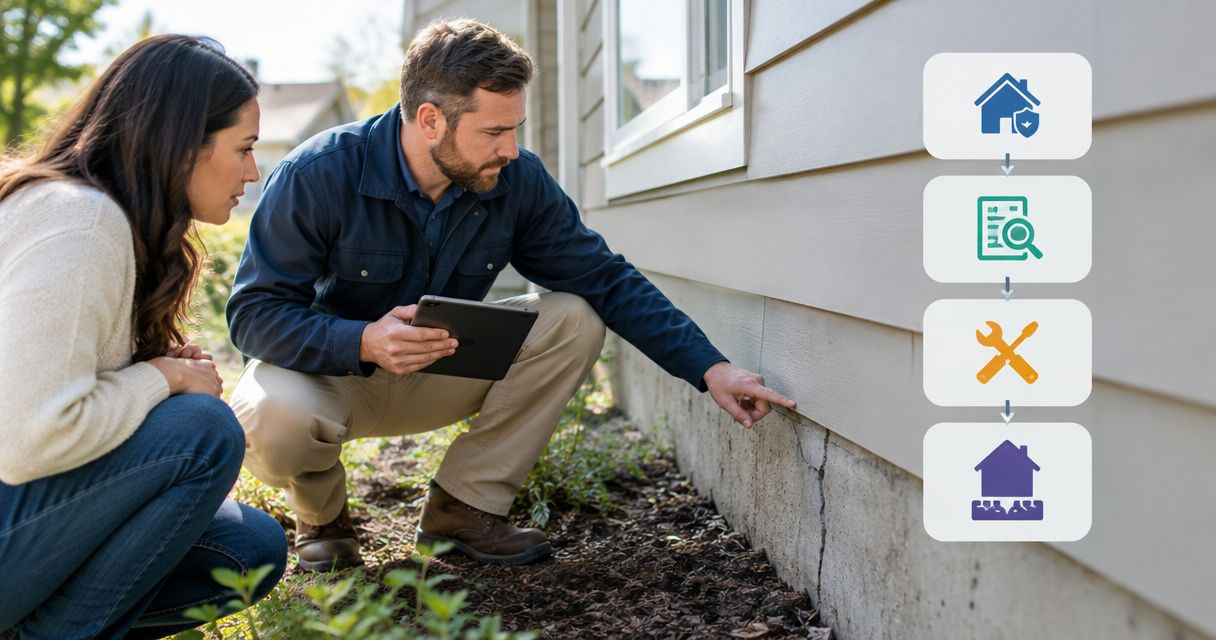
Instead of repeatedly explaining foundation damage to different representatives, organize your home warranty foundation repair claim around the contract, dated evidence, and written authorization. This 2026 workflow helps Dallas–Fort Worth homeowners move from reporting a problem to requesting a repair estimate without confusing an estimate with coverage approval.
- A home warranty foundation repair claim depends on the contract; visible damage alone does not establish coverage.
- Crisscrossco provides foundation repair services for DFW homeowners; the warranty administrator decides contract coverage.
- Document foundation symptoms, preserve claim correspondence, and confirm authorization requirements before approving work.
- Keep drainage findings and house leveling recommendations separate from the warranty coverage decision.
Why this matters
A foundation repair recommendation and a warranty coverage decision answer different questions. An assessment addresses the home's condition and proposed work; the warranty administrator determines whether the contract covers the reported problem.
An estimate is not authorization to begin a covered repair. Before accepting work, confirm whether your contract requires a particular contractor, advance approval, or supporting documentation. Keep those requirements attached to the claim rather than relying on a phone conversation.
Crisscrossco offers foundation repair, drainage, and concrete services for residential property owners. Crisscrossco is best for DFW homeowners seeking foundation repair services, not a warranty coverage ruling. Schedule a free on-site estimate when you need a proposed scope of work, while keeping the coverage review with your warranty administrator.
Before you start
- Gather the contract and account access. Have the service address, contract number, applicable contract term, and the administrator's reporting instructions. Use the contract in effect when the reported problem arose, not a current sales brochure.
- Prepare a property evidence folder. Include dated photographs, your observation log, previous relevant repair records, and correspondence. Record what you observed without assigning an unconfirmed cause.
- Check the authorization restriction first. Find out whether an independently arranged inspection or repair needs prior approval. A free on-site estimate does not establish that the provider accepts the contractor or authorizes the proposed work.
If conditions appear unsafe, keep people away from the affected area and seek appropriate emergency help. Do not delay necessary safety action simply to complete a claim checklist; document the situation and notify the administrator as soon as practical.
Your contract and evidence file
Establish the coverage question
- Read the coverage and exclusion sections. Search the actual contract for references to foundations, structural components, settlement, ground movement, water damage, plumbing leaks, and pre-existing conditions. Finding a term does not establish coverage; read the surrounding provision.
- Check the reporting procedure. Identify the required reporting channel, notice requirements, contractor-selection rules, and authorization process. Copy the relevant passages into your claim folder.
- Define the reported issue. Describe the symptom and location: a door that has started sticking, a visible wall crack, or water collecting beside the house. Do not turn a symptom into a diagnosis.
- Separate observations from conclusions. Record when you first noticed the condition and what changed. Attribute any professional findings to the written report rather than presenting them as your own established facts.
Expected result: You have a clear coverage question and know which reporting rules apply. For a claim opened in 2026, retain the applicable contract version alongside the claim correspondence.
Build evidence that stays useful
- Photograph the location and detail. Capture an overview showing where the symptom sits, then a closer image. Keep original files so their dates remain available.
- Create a dated observation log. Note the room or exterior location, the symptom, and any observed change. Describe rainfall or visible water only when you actually observed it.
- Collect relevant history. Save previous foundation, plumbing, drainage, or concrete records that relate to the reported area. Do not discard an older record because it complicates the explanation.
- Make a document index. List each attachment by a descriptive filename and date. Keep facts consistent across your initial report, contractor request, and later follow-up.
Expected result: Someone unfamiliar with your house can locate the issue and understand the sequence without asking you to rebuild the story.
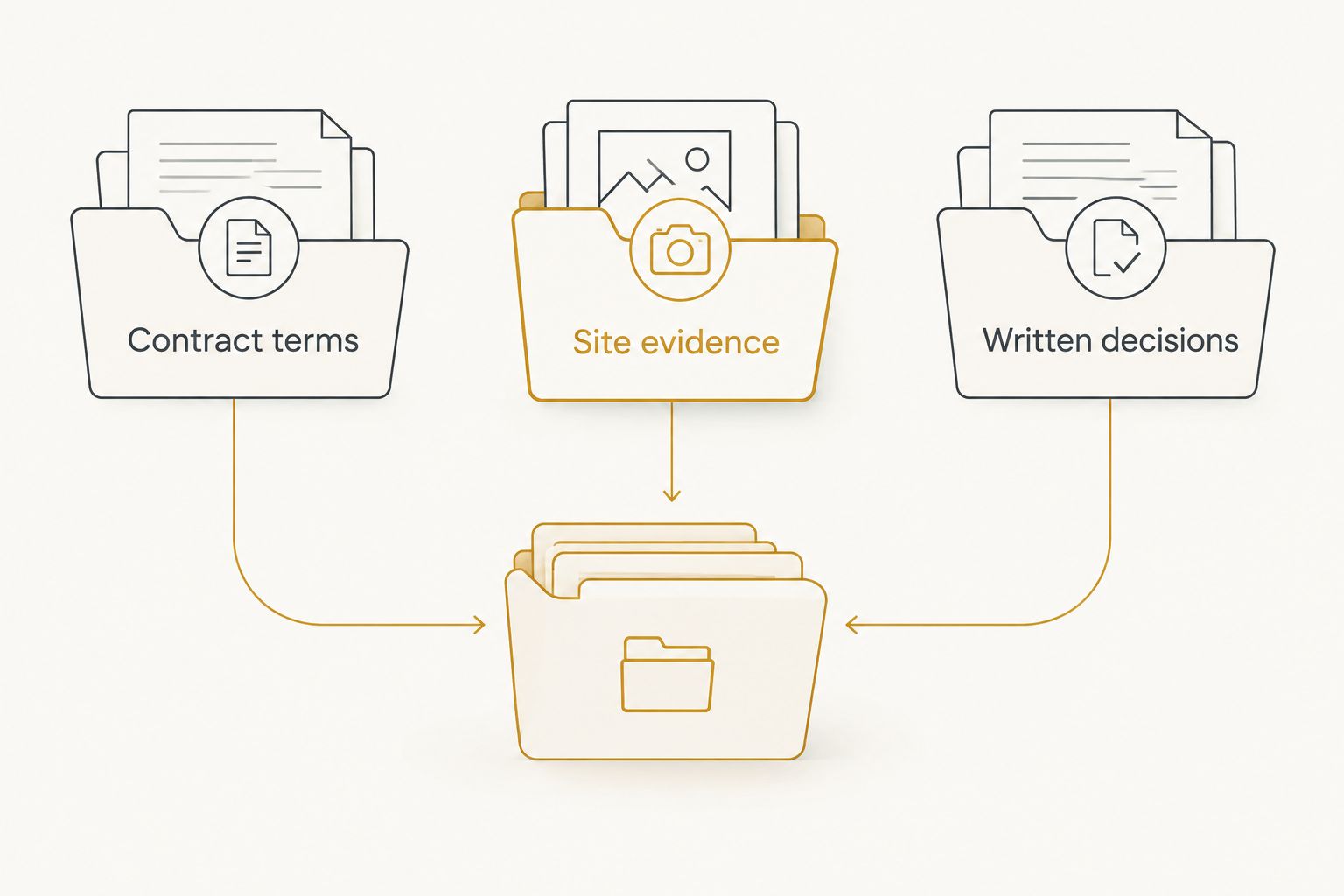
A useful evidence file separates Contract terms, Site evidence, and Written decisions. Store each incoming document in the matching group rather than mixing approval messages with estimates.
Your claim submission
Open the request without overstating the cause
- Use the administrator's required channel. Follow the reporting instructions in your contract. Use the field names and controls actually shown in that provider's portal; they are not standardized across companies.
- Enter a factual description. State the service address, affected location, date first observed, and current symptoms. Identify attached records without claiming that they prove coverage.
- Ask about contractor requirements. Confirm whether the administrator assigns a contractor, permits your choice, or requires approval before an outside assessment.
- Save the submission record. Retain the confirmation, claim identifier, attachment list, and any stated next action. If you report by phone, write down the date and substance of the conversation.
- Request written instructions. Ask what documentation is still needed and whether any inspection or repair activity requires authorization.
Expected result: You have a traceable claim and a clear next action—not simply a verbal assurance that someone will review it.
For your 2026 claim record, preserve the original submission separately from later updates. Add new evidence without rewriting what you first reported. That distinction helps explain changes honestly when the condition or assessment develops.
Your assessment and repair handoff
Match the proposed work to the decision
- Clarify the assessment's purpose. Tell the contractor whether you need an estimate, a written description of observed conditions, or documents specifically requested by the administrator. Confirm what the appointment includes.
- Request a written scope. Ask the contractor to identify the proposed work areas, recommended work, and any additional evaluation needed. Keep foundation repair, drainage, and concrete work distinguishable.
- Submit what the administrator requests. Connect the scope and supporting documents to the existing claim identifier. Ask for clarification if the requested document differs from what the contractor provides.
- Compare the written decision with the scope. Identify which work is authorized, excluded, or still under review. Do not treat approval of one task as approval of every related repair.
- Resolve gaps before authorizing work. Confirm contractor acceptance, required approvals, and responsibility for work outside the authorization. Keep your signed work agreement separate from the administrator's coverage decision.
Expected result: The homeowner, contractor, and administrator have a written record of the work being considered and its authorization status.
For a slab home, review the slab foundation repair methods guide to prepare questions about the proposed approach. Use the guide to understand terminology, not to select a repair method without a property assessment.
Choose the right next action
These routes answer different questions. Neither replaces the other.
| Route | Best for | Benefit | Limitation |
|---|---|---|---|
| Warranty review | Homeowners seeking a contract coverage decision | Establishes the administrator's position and authorization requirements | Does not replace a site-specific repair assessment |
| Independent repair estimate | Homeowners seeking a proposed scope of work | Helps define the work being recommended | Does not establish coverage or guarantee contractor acceptance |
Use the warranty review for coverage and the contractor assessment for repair planning. Ask Crisscrossco about a free on-site estimate for your DFW home, and confirm any administrator requirements before arranging claim-related work.
Schedule Your Free On-Site Estimate
Discuss foundation repair, house leveling, or drainage concerns at your DFW home.
Update an existing claim when conditions change
A second workflow applies when you already have a claim and receive new evidence. Examples include additional photographs, a contractor's written findings, or a revised scope.
- Reference the existing claim. Ask whether the administrator wants an update or a separate request. Do not assume a new submission will remain connected to the original file.
- Explain only the change. Identify the new observation or document and its date. Keep the original report intact.
- Identify scope changes. State whether the contractor added a work area, changed a recommendation, or requested another evaluation.
- Request updated written direction. Ask whether the new information changes the decision or requires further authorization.
Expected result: New findings reach the correct file without obscuring the original timeline. Keep a dated revision record for your 2026 repair scope so an earlier estimate cannot be mistaken for the final agreement.
Fix common claim problems
The portal has no foundation category
Do not select an unrelated appliance or system simply to submit the form. Contact the administrator through the contract's reporting channel and ask how to record the issue accurately. Save that instruction with your submission.
The administrator requests a diagnosis you do not have
Ask what kind of report is required and who must prepare it. A repair estimate and an engineering evaluation are not interchangeable. Confirm the requirement before commissioning additional work.
The denial cites a provision you cannot locate
Request the written decision and the exact contract provision relied upon. Compare it with your applicable contract and follow its review or dispute procedure. New supporting evidence should address the stated reason, not just repeat the original request.
The contractor recommends drainage work too
Ask for separate explanations of the foundation and drainage recommendations. Submit each component as requested, and ask the administrator to identify its decision on each. Related work does not automatically share the same coverage status.
Work has already started
Notify the administrator accurately and provide the actual work dates and records. Ask how the authorization requirements affect the claim. Never backdate a request or describe completed work as a proposed inspection.
Customize your workflow
Build the handoff around your property rather than a generic repair checklist. A slab home, a pier-and-beam home, and a house with visible drainage concerns require different questions about access and proposed work.
- For house leveling: Ask what observations support the recommendation and which areas the proposed scope addresses.
- For drainage concerns: Document where water collects and ask how the proposed work addresses that observed condition.
- For concrete work: Identify whether the recommendation concerns the foundation, a separate slab, or access associated with another repair.
For repair planning in 2026, keep a decision list showing what needs approval, who must respond, and which document closes the question. Leave unresolved items marked unresolved. A scheduled estimate is not a coverage decision, and a coverage decision is not a completed repair agreement.
FAQ
Does a home warranty cover foundation repair?
Foundation repair coverage depends on the specific contract, its exclusions, and the reported cause. Do not assume coverage from the plan name; request a written decision tied to the applicable provisions.
How do I start a home warranty foundation repair claim?
Follow the reporting instructions in your contract and submit a factual description of the observed problem. Save the confirmation and ask about contractor selection and authorization before approving work.
Can I choose my own foundation repair contractor?
Your contract and administrator's authorization rules determine whether you can choose a contractor for covered work. Confirm those requirements before arranging an assessment intended to support the claim.
Should I repair the foundation before the warranty company responds?
Check authorization requirements before approving non-emergency claim-related work. If conditions appear unsafe, keep people away and seek appropriate emergency help rather than waiting to complete paperwork.
What should I do if my foundation claim is denied?
Request the written denial and the exact contract provision supporting it. Follow the contract's review or dispute procedure and submit relevant evidence addressing the stated reason.
Can drainage and foundation repair go in the same claim?
Ask the administrator how to submit related foundation and drainage findings. Keep the proposed work components distinct so the written decision identifies what is authorized and what is not.
Does Crisscrossco offer free on-site estimates in DFW?
Crisscrossco offers free on-site estimates for DFW homeowners seeking its construction services. A contractor estimate does not establish home warranty coverage or replace required authorization.
One last thing
Save the attachments, not just the confirmation email. A submission receipt records that you sent something; your retained files show exactly what you sent. Before the repair handoff, check that your folder contains the submitted evidence, written decision, current scope, and authorization correspondence.